
Guide
Lichii Controller Setup on Android: Pairing and Mapping
Pair a Bluetooth controller with Lichii on Android, map it once, and fix the two faults everyone meets: input lag settings and a pad the game cannot see.

Contents On this page
Pair once, pair right
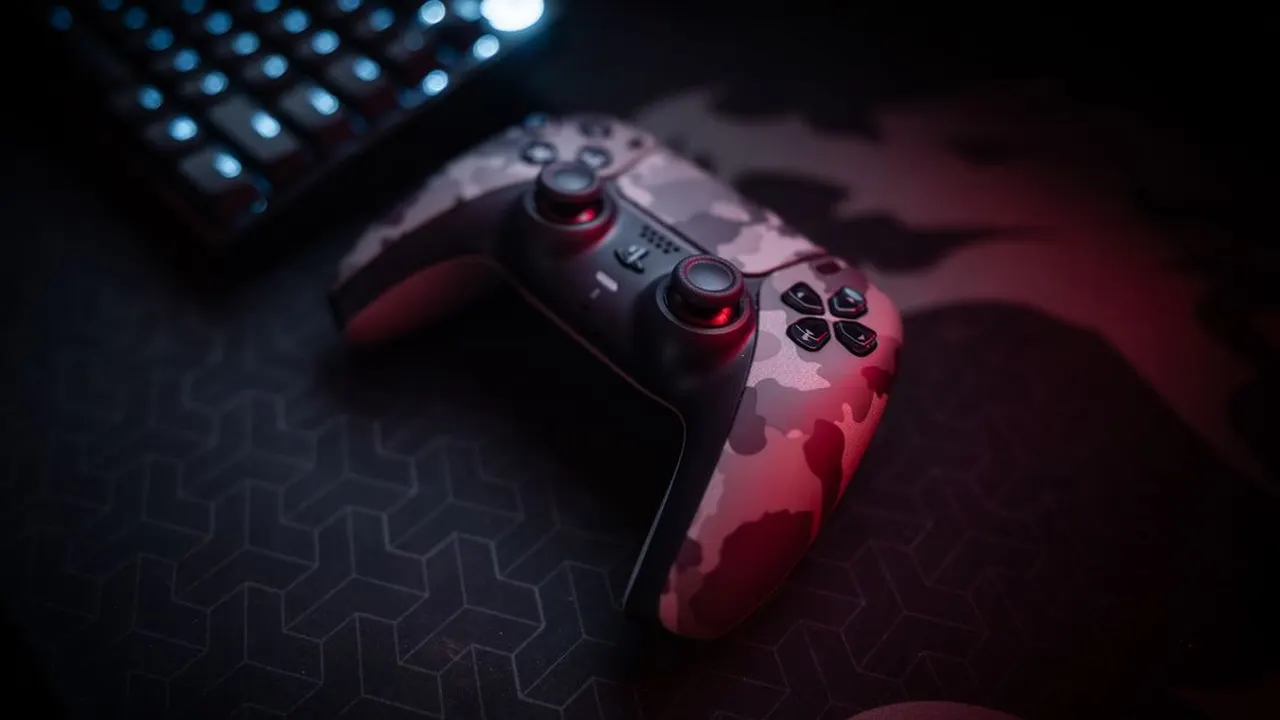
A controller transforms the lichii emulator on a phone: gyro aiming, real triggers and thumbs that stop covering the game. Pair the pad with Android first, in the system Bluetooth settings, and confirm it navigates the phone interface before opening the emulator. A pad Android cannot see is a pad no app can fix. Everything here assumes the tested build from Lichii APK.
Modern pads from the big console families pair cleanly. Connect before you launch the game, not after; emulators enumerate controllers at start, and a pad paired mid session may wait for the next launch to exist.
Mapping and profiles
Open the emulator input settings and walk the mapping screen slowly: sticks, triggers, face buttons, then the system buttons games quietly rely on. Save the profile and test it in a menu before testing it in a boss fight. Because settings in this emulator are per game where it matters, check whether your pad profile follows the game you are about to play.
Gyro deserves its own minute. Games that use motion aiming feel broken until gyro is enabled and calibrated flat on a table; after that, they feel like the console originals. The docked versus handheld notes matter here too, since a pad pairs naturally with docked style play on a bigger screen.
Lag and dropouts
Input lag in emulation has layers: the pad Bluetooth link, the phone, and emulator settings like frame ahead presentation, which trades about a frame of latency for smoother rendering. If a game feels swimmy, test that setting off for that title before blaming the controller.
Dropouts are usually distance, interference or a pad juggling two hosts. Forget the pad on other devices, keep line of sight short, and let the controller be boring. Boring is what you want from input hardware. The settings baseline page covers the latency related toggles in context.
Related reading: the docked versus handheld notes.
Related reading: the settings baseline page.
Quick Answers
Which controllers work with Lichii on Android?
Any pad Android itself supports over Bluetooth or USB, including the major console controllers. If Android can navigate with it, the emulator can map it.
Why does my controller not appear in the emulator?
Pair it with Android before launching the game. Controllers are usually enumerated at start, so a mid session pairing may need a relaunch.
Can I use gyro aiming?
Yes, gyro controls are part of the feature set. Enable and calibrate per game, flat on a table, for the games that use motion aiming.